
Loyalty measurement
How to run a Shopify loyalty offer holdout test
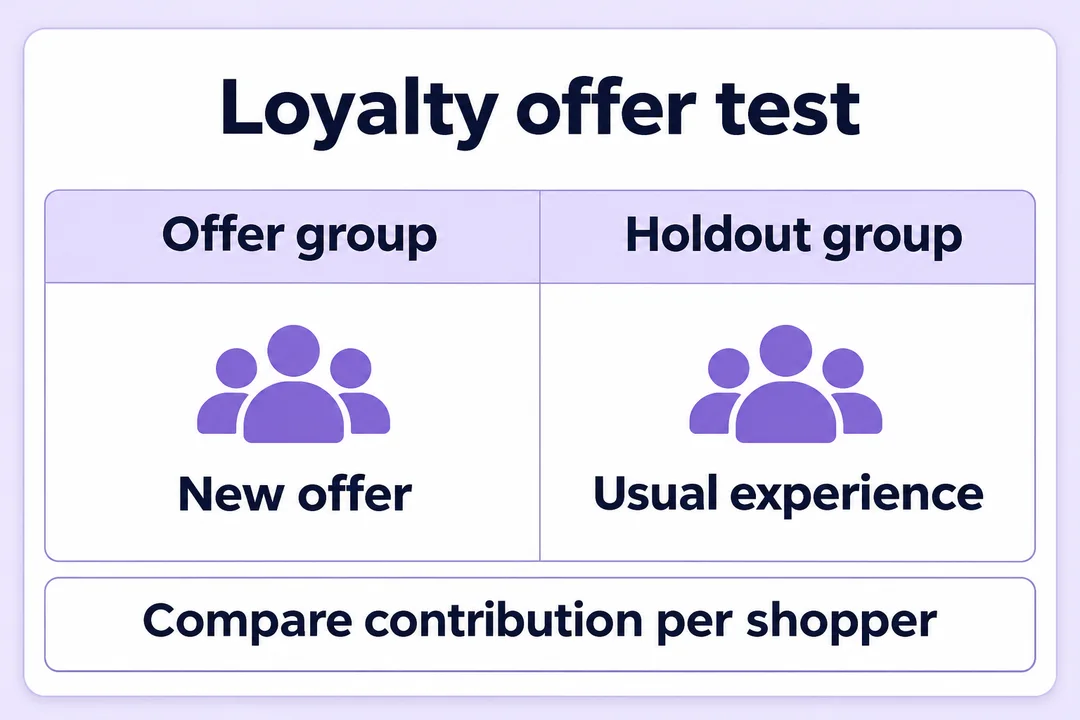
To see whether a loyalty offer pays for itself, randomly split eligible shoppers before you send it. Keep one group on the usual experience and compare contribution per assigned shopper over the same period.
Test one optional offer
A holdout is a randomly selected part of an eligible audience that continues with the usual experience. A kitchenware store could test one free-shipping email among existing members who already receive a standing discount. Both groups keep the discount and ordinary membership messages. Only the offer group receives the new email and its shipping offer. The result estimates the effect of the email and offer together.
- Define who qualifies. Write down the membership status, marketing eligibility and market before the split. If order history varies widely, split within comparable groups such as recent and lapsed shoppers.
- Keep assignments fixed. Allocate shoppers once before the campaign. Record the original group size and count every assigned shopper, including anyone who buys nothing or never opens the email.
- Plan when to read the result. Start both groups at the same time. Decide how long to count purchases and when to reconcile returns. Keep other planned offers consistent where possible.
- Limit spillover. Check how the offer reaches carts. If the offer is also visible to the holdout in a public banner or a shared code, record that exposure and revisit the test design.
When higher sales yield lower contribution
A fictional kitchenware store assigns 500 members to each group and observes orders for 21 days. It reconciles returns after its return window. The shipping and fees row contains the store’s variable costs net of shipping collected. Net item sales already reflect discounts and refunds.
| Measure | Offer | Holdout |
|---|---|---|
| Assigned shoppers | 500 | 500 |
| Shoppers who order | 80 | 70 |
| Net item sales | $5,600 | $5,000 |
| Item costs | $2,450 | $2,200 |
| Net shipping, packaging and payment costs | $1,030 | $650 |
| Contribution | $2,120 | $2,150 |
| Contribution per assigned shopper | $4.24 | $4.30 |
The purchase rate is 16% in the offer group and 14% in the holdout, a difference of 2 percentage points. It generates $600 more net item sales but $30 less contribution. At these illustrative costs, the store would revise the offer or keep its usual experience. If the offer also required extra campaign labor or software fees, include those incremental costs in the decision.
Decide what you would repeat
Choose the smallest contribution gain that justifies operating the offer before sending it. Use uncertainty around the estimated difference when you interpret results. A small or noisy test can be inconclusive even when the point estimate is positive. If the sample is too small, repeat the same test with a fresh eligible group or extend the measurement plan in advance.
Check whether customers simply ordered sooner by allowing for their normal reorder cycle. Read contribution and orders from your commerce records across the assigned groups, including purchases that never followed a campaign click. For provider-specific controls, see Klaviyo’s global holdout documentation. A global holdout answers a broader marketing question, so check its scope before using it for a single offer.
Frequently asked questions
How is a holdout different from an A/B test of two subject lines?
A no-offer holdout gives you an estimate of what would happen under your usual experience. Two subject lines compare ways to send a message to people who both receive an offer.
Should I compare only customers who redeemed the offer?
Keep every shopper in the group assigned at the start. Redeemers tend to be a different set of shoppers from everyone eligible, and filtering to them removes the baseline you need.
Trusted by Shopify merchants








Put the plan to work
Choose one offer from the Shopify loyalty campaign playbook and write down the cost threshold before building the campaign. If your offer depends on an ongoing membership, explore Memberply on the Shopify App Store.