
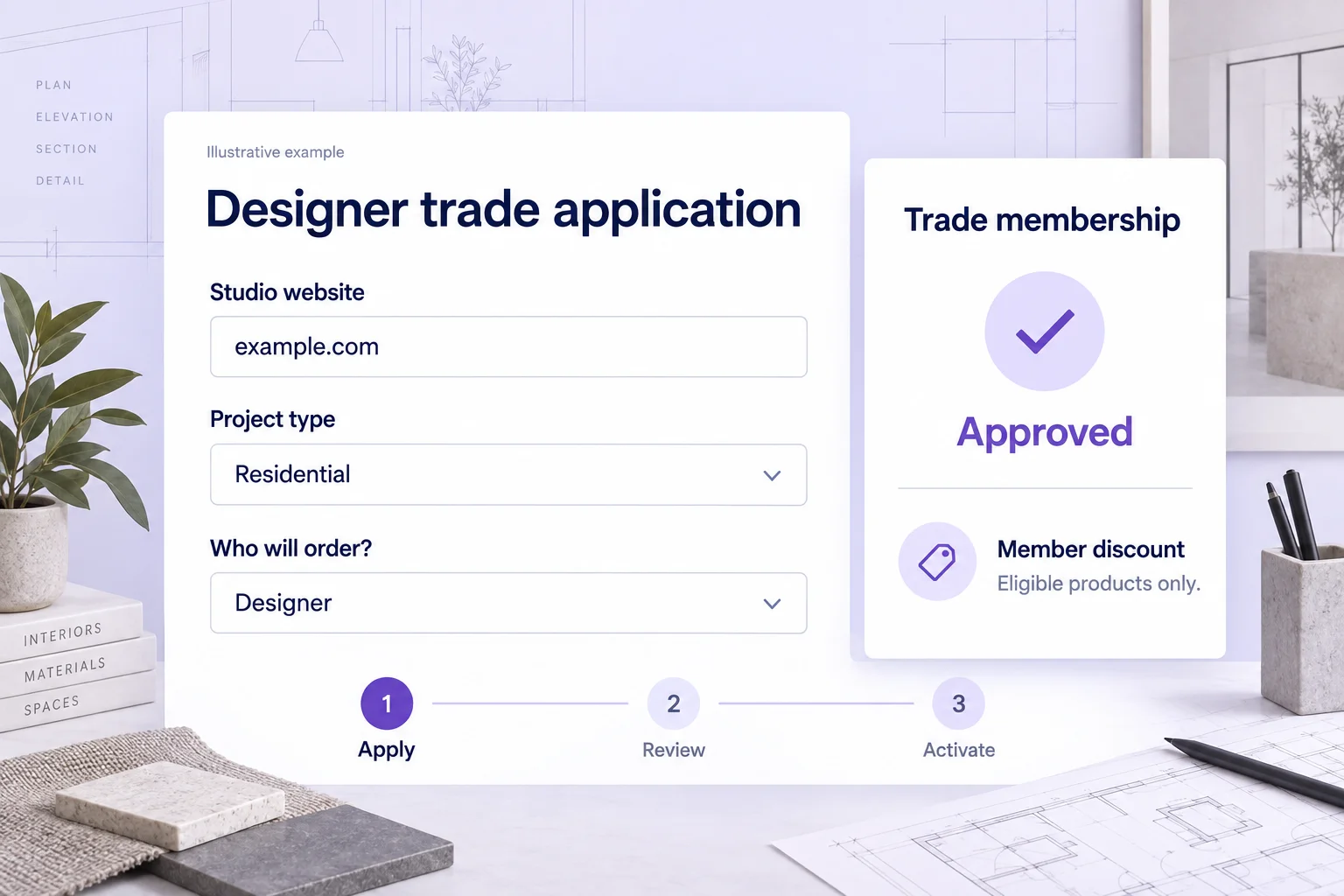
What is a designer trade program?
A designer trade program gives qualifying interior designers, architects or other approved buyers access to the benefits a merchant configures for their customer membership. For a furniture, lighting, homewares or décor brand, that can mean an approved free tier with member pricing on eligible products.
The application decides who can join. The membership tier determines what an active member receives. Start by naming the professionals you serve, the evidence you review and the buying relationship you support. This guide is for merchants building a program, not a directory of brands offering designer discounts.
A free trade tier can suit a relationship based on product orders. Use a paid tier only when you intend to charge a membership fee and can explain its value clearly. Approval alone does not activate paid benefits; the authorized customer must complete payment.
For the broader workflow, see our Shopify trade-account application guide.
Decide who orders before choosing the benefits
Project purchasing often involves a designer, an assistant and an end client. Do not assume they share one membership. Establish which Shopify customer will apply, sign in and place the order, then explain that arrangement in the program terms.
| Arrangement | Membership implication | Decision before launch |
|---|---|---|
| Designer purchases for a project | The approved designer customer can receive configured benefits while active and signed in. | Define the ordering contact and use of trade pricing. |
| Client purchases from a designer’s recommendation | A different client account does not automatically inherit the designer’s benefits or add spend to the designer. | Decide how you handle referrals separately; do not share customer sign-in details. |
| Studio has several buyers or locations | Memberply customer memberships do not automatically create pooled company access or spending. | Assess company accounts and buyer permissions if those are requirements. |
Shopify has a separate company account request workflow for companies and company locations. A Memberply application does not automatically create those records. Test any combined setup against your actual ordering needs.
Designer trade application questions to adapt
Use questions that help a reviewer decide eligibility. A portfolio link can demonstrate the kind of projects a studio works on without requiring private client plans, addresses or budgets. State who qualifies and what happens after submission.
| Question | Suggested response | Why it matters |
|---|---|---|
| Who will place orders? | Contact name and required email | Connect the application to the customer who will use the benefits. |
| What is your studio or business name? | Business name | Identify the professional relationship being reviewed. |
| Where can we see your work? | Studio website or public portfolio link | Review relevant work against your published criteria. |
| What is your professional role? | Interior designer, architect, stylist or another eligible role | Check fit without assuming every role qualifies. |
| What kinds of projects do you work on? | Residential, commercial, hospitality or another relevant category | Understand product fit and appropriate support. |
| How will you purchase? | For client projects, for resale or for your own business | Separate project purchasing from stockist recruitment. |
| Which categories interest you? | Furniture, lighting, homewares or relevant product groups | Keep product information and follow-up relevant. |
| Have you read the program conditions? | Consent field linked to the actual terms | Explain discounts, exclusions and who may use the membership. |
Memberply forms support configurable questions, required fields, help text and consent fields. A required email is essential. Request further information when needed; an application is not automatic verification of a professional title or qualification.
Example: review an independent design studio
In this fictional example, a studio applies for a free designer tier. The owner provides a public portfolio, selects residential projects and confirms that the owner’s customer account will place orders. Your team reviews the business and portfolio against its published criteria.
If the evidence supports approval, approve the application and wait for membership activation to complete. If the website is unavailable or the purchasing arrangement is unclear, request information first. If the applicant does not fit the program, reject the application through the configured workflow. Record a private decision note for your team.
The studio later asks whether a client can order using the same benefit. Explain the account ownership rule instead of treating the original approval as blanket access for every client. For a paid program, approval authorizes purchase of the selected tier and benefits begin only after payment succeeds.
Make designer pricing clear, including exclusions
Configure a member discount that your order economics can support. Use product or collection exclusions where appropriate and publish the important conditions before designers start specifying products.
For illustration, a signed-in active designer orders $2,000 of eligible lighting, a $500 excluded item and $150 delivery. A 10% saving on the eligible lighting reduces the total from $2,650 to $2,450 before tax and other promotions. The $200 saving does not establish the merchant’s profit.
| Component | Before member benefit | After member benefit |
|---|---|---|
| Eligible lighting | $2,000 | $1,800 |
| Excluded item | $500 | $500 |
| Delivery | $150 | $150 |
| Total before tax | $2,650 | $2,450 |
Excluding a product from a discount does not hide it or prevent purchase. If you want selected products available only to members, configure and test exclusive product access separately. Check mixed carts and other promotions, not only a single eligible item.
A membership discount also does not generate project quotations, hold inventory, manage deposits or promise a delivery date. Explain the separate process for quotations, freight, lead times and made-to-order products where those apply.
Plan for projects rather than a fixed reorder schedule
A designer may buy heavily during a fit-out and then have a long gap before the next project. Treat purchasing gaps in that context. A generic monthly replenishment message may be less useful than relevant product information tied to the categories the studio actually specifies.
For example, an approved studio interested in lighting could receive information about a relevant collection through your marketing process. Check its stated interests and recent orders first. Avoid repeating an offer after purchase or while a service issue remains unresolved. These are planning suggestions, not a claim that Memberply tracks project stages or sends automated project campaigns.
If you offer spend-based benefits, choose a current-calendar-year or lifetime qualification period. Explain the annual reset if selected, whether earlier spending counts, and whether refunds can lower an earned level. Memberply excludes Shopify store credit payments from qualifying spend. A customer with $8,400 of qualifying spend needs another $1,600 to reach a $10,000 threshold, but spending by separate client accounts is not automatically added.
Compare the longer-term reward options in our B2B loyalty guide. Measure results across a suitable project cycle instead of treating a short quiet period as proof of inactivity.
Set up and test the designer trade journey
Write the program rules
Define eligible roles, portfolio evidence, the ordering customer, benefits and exclusions. Separate membership approval from credit terms, project quotes and professional certification.
Create the tier and application
Configure a free or paid tier and its actual benefits. Open Membership > Applications > Application Forms, create the form, connect the tier and add your review questions.
Publish the storefront form
Publish the program, add the Membership application app block to a public Shopify page and enter the Storefront program ID. Explain the review process on that page.
Test each customer and basket
Check a visitor, a pending applicant, the approved designer and a different customer. Test eligible, excluded and mixed baskets. For paid tiers, verify approval before payment and activation after payment in a test store.
Review the pilot
Track application completion, decision time, first orders, repeat-project orders, benefit costs and support effort using your available records. Ask whether the account ownership and exclusions were clear.
Follow the membership application setup documentation for detailed controls. Memberply does not automatically supply a designer-project management system, quotation tool or dedicated project analytics dashboard.
Designer trade program FAQs
What is a designer trade program on Shopify?
It is an approved customer program for qualifying interior designers, architects or other trade buyers. With Memberply, an approved Shopify customer joins a free or paid membership tier with the discounts and access benefits you configure.
What should a designer trade application ask?
Start with the ordering contact and email, studio name, website or portfolio link, professional role, project types, intended product use and agreement to the program terms. Ask who will place orders so the membership is connected to the right customer.
Can a designer join a free approved trade tier?
Yes. Connect the application program to a free Memberply tier. Once approval processing completes, membership activates without a membership payment. A paid tier requires successful payment after approval before benefits activate.
Will a designer’s client automatically receive the trade discount?
No. Memberply benefits belong to the eligible active customer membership. A client checking out under a different account does not automatically inherit the designer’s membership or contribute spend to it.
Can I exclude selected furniture or collections from a trade discount?
Yes. The member discount benefit supports product and collection exclusions. Exclusion from a discount does not itself hide a product or prevent its purchase.
Does Memberply manage project quotes or payment terms?
No. An approved membership does not automatically create quotes, deposits, purchase orders, company accounts or payment terms. Define those ordering requirements separately and test the complete customer journey.