
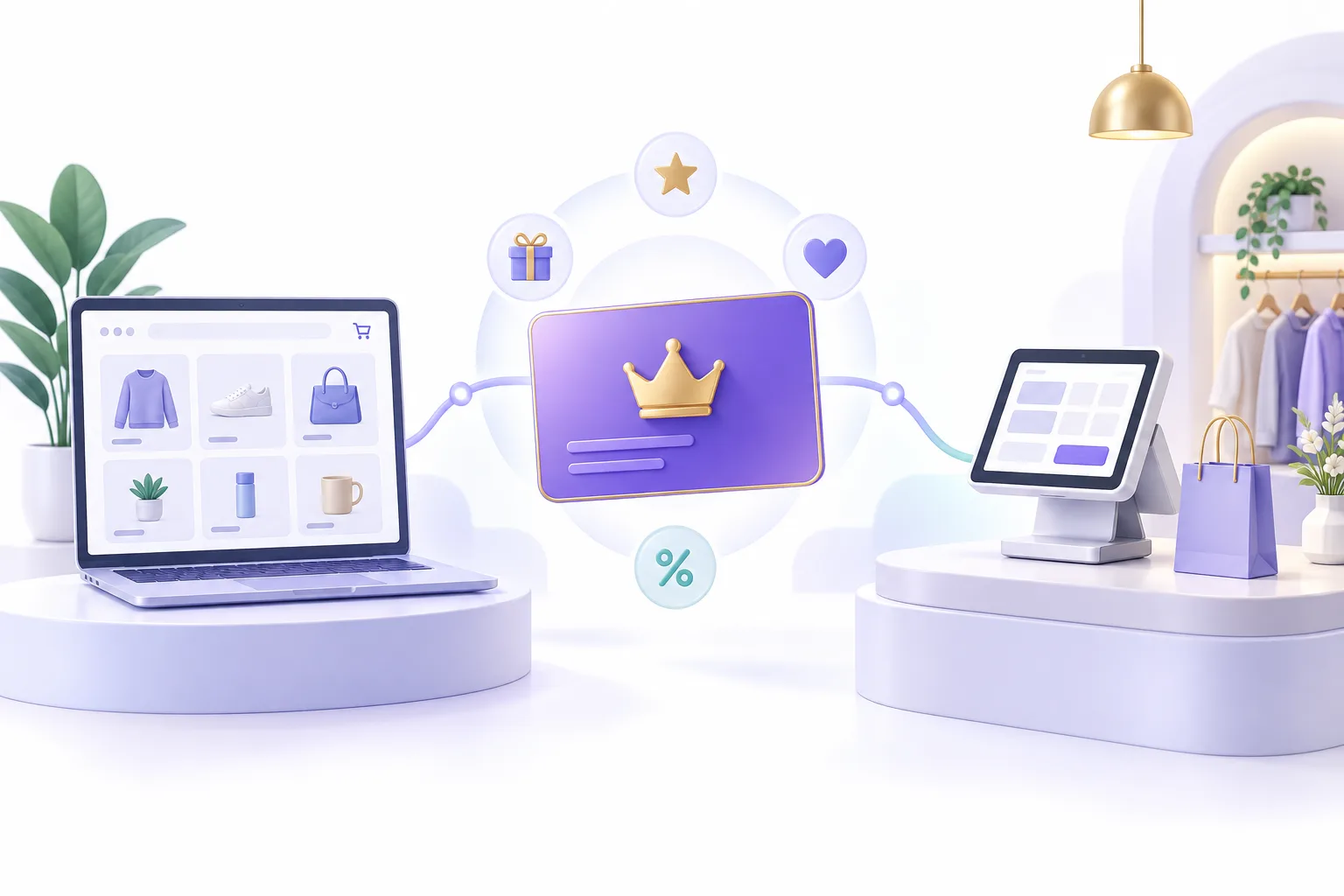
What is an omnichannel loyalty program?
An omnichannel loyalty program connects customer recognition and relevant rewards across sales channels, such as an online store and a physical shop. The goal is a membership customers can understand and use across those journeys, with clear rules for each benefit.
For a Shopify store using Memberply, this can mean recognizing an online member at a Shopify POS checkout, applying an eligible member discount and redeeming available Shopify store credit in store. The member must be attached to the correct Shopify customer record.
Running separate online and in-store offers is not enough on its own. Staff need to know who the member is, which benefits apply, when rewards become available and how to handle exceptions. Some benefits remain specific to a channel.
This guide focuses on an online store and Shopify POS within the same Shopify store. Separate Shopify stores, external POS systems and business-system connections need their own assessment.
Start with the same customer, not two memberships
At the register, add or select the customer in the Shopify POS cart before checking benefits. Staff should confirm the customer details rather than create a second profile because the member normally shops online.
Memberply’s POS tile shows the selected customer’s membership status and tier, along with available store credit, reward credit and member discount information. A guest sale without the correct customer attached should not be treated as a verified member purchase.
Give staff a short exception process: check the customer record, refresh membership status and refer unresolved mismatches to the designated store contact. Avoid issuing replacement credit or a manual discount simply because a balance is not immediately visible.
Read the Memberply Shopify POS feature overview for the supported in-store experience.
Map benefits across online and in-store shopping
| Benefit | Connected experience | What to check |
|---|---|---|
| Member recognition | Staff can see the selected customer’s active membership and tier in the Memberply POS tile. | Attach the correct customer to the cart and check status before promising a benefit. |
| Member discounts | Eligible member discounts can apply to a POS cart after the member is added. | Test eligibility, exclusions and promotion combinations. POS discount combinations require POS Pro and compatible settings. |
| Reward points | Eligible POS orders flow through Memberply order tracking for points and spend tracking. | Members convert points into store credit through their member area. The POS tile is not a points-conversion flow. |
| Cashback | Qualifying POS orders can earn cashback after order processing. | It is not an immediate discount on the sale being completed. Check the resulting credit after processing. |
| Shopify store credit | Available native credit can be used through Shopify’s POS customer wallet or payment flow. | Enable Store Credit as a POS payment method and give staff the required permissions. The Memberply tile displays credit; it does not apply native credit directly. |
| Channel-specific benefits | Online access, shipping perks and other benefits may serve a particular part of the journey. | Check each benefit separately. Do not promise that every online perk has an equivalent register action. |
Shopify documents the payment setup and staff permissions needed for store credit on POS. Review Shopify’s discount combination rules before advertising stacked promotions.
Example: an online member visits your shop
This is an illustrative journey, not a customer result or a claim that all programs use the same rewards.
- Join online. A customer joins an enabled membership tier and uses the associated Shopify customer account.
- Visit the store. Staff select that customer in the POS cart and open the Memberply tile to confirm active membership.
- Check the offer. An eligible member discount applies according to its rules. Staff review the final cart rather than assume it combines with every promotion.
- Use existing credit. If native Shopify store credit is available and POS is configured for it, staff redeem it through Shopify’s payment flow.
- Earn on the purchase. Eligible points or cashback are processed from the order. New cashback is not deducted from the purchase that earned it.
- Return through either channel. The member can use their account to review available benefits and convert eligible points to credit before a future purchase.
Match the offer to shopping habits. A replenishment store may focus on the next routine purchase; a higher-value retailer may emphasize recognition and useful access benefits. Separate first-time members from established repeat buyers when judging whether the program helps.
Set up Shopify POS and train staff
Create your membership tiers and configure benefits first. In Memberply, open Integrations > Shopify POS and follow the setup instructions.
In Shopify admin, open the Point of Sale sales channel, go to Settings > POS apps under General, choose Member Benefits and add it. Confirm the Memberply tile appears in POS with the Benefits & memberships subtitle.
For native store credit, enable it in Shopify customer accounts and as a POS payment method. Confirm that staff roles allow the credit actions they need. Use the Memberply POS setup guide for the complete workflow.
Train staff to select the customer, check active status, review the discount in the cart and redeem native credit through Shopify. Include a practice transaction where no member benefit is available, so the team knows how to explain the result.
Can customers buy a membership in store?
Yes. For a selected customer who is not already an active member, staff can open the Memberply POS tile, choose an available membership tier and add it to the cart. The membership product must be available to the Point of Sale sales channel.
For recurring tiers, Memberply adds the product with its Shopify selling plan. Shopify currently requires POS Pro at the selling location, POS version 10.13 or higher, Shopify Payments, appropriate staff permissions and customer email and billing details. Subscription payments use supported cards or digital wallets; gift cards, split payments and offline checkout are not supported. Check Shopify’s current POS subscription requirements before launch.
If payment is still being finalized, Memberply can show Activation pending. Refresh the status and allow processing to finish instead of adding a duplicate membership. If the selling plan cannot be applied, resolve the configuration rather than selling a recurring tier as a one-time product.
Test the complete journey before inviting members
- Online to in store: select an existing online member in POS and confirm the expected tier and benefits.
- In store to online: complete an available membership purchase, confirm activation and sign in to the matching customer account.
- Discount rules: test eligible and excluded items, another promotion and a customer without active membership.
- Credit use: verify an existing native balance, its redemption through Shopify and the resulting balance.
- Reward timing: check eligible points or cashback after order processing rather than at the instant of payment.
- Exceptions: test missing customer details, duplicate-profile concerns, pending activation and a returned order. Confirm the intended refund and reward treatment.
- Staff readiness: run the flow using the actual staff role and device at each participating location.
Start with a controlled pilot and reconcile orders, discounts and credit before expanding. Record unexpected outcomes and give staff a named escalation contact. A successful online checkout alone does not verify the POS journey.
Measure repeat purchasing across channels
Track whether members return, which channel they use next, how much benefit value is redeemed and how much support the program requires. Review contribution after reward costs, not only member revenue.
Useful pilot measures include the share of eligible POS orders with the correct customer attached, successful member recognition, credit redemption, repeat purchase rate and staff-reported checkout issues. These are measurement recommendations, not a claim that Memberply provides a dedicated dashboard for every metric.
Compare members with a suitable baseline and separate first-time and repeat customers. Customers who join may already be frequent buyers, so higher member spending alone does not establish that the program caused it. The loyalty strategy guide and program cost guide help frame a focused pilot.
When does an omnichannel program need custom work?
Growth includes Memberply’s standard features to launch and grow your membership program, including its Shopify POS integration. Using online and in-store channels does not by itself mean you need Enterprise. Shopify’s own plans and POS requirements are separate.
Enterprise is for requirements such as a connection to an internal system, a specialized member experience or custom implementation. Separate Shopify stores, an external POS or shared balances across systems require assessment; do not assume standard Shopify POS support covers them.
For a useful project brief, list the stores and systems involved, how customers are identified, where balances are held, the actions staff need and how returns should work. Use the loyalty integrations guide to prepare the requirements, then discuss an Enterprise project.
Omnichannel loyalty FAQs
What is an omnichannel loyalty program?
It connects customer recognition and relevant rewards across channels such as an online store and a physical shop. Each benefit still needs clear eligibility and redemption rules.
Does Memberply work with Shopify POS?
Yes. Staff can select a customer and use the Memberply tile to view membership status, tier and available benefit information, or add an available membership tier to the cart.
Can members earn reward points on in-store purchases?
Eligible Shopify POS orders flow through Memberply order tracking for reward points and spend tracking. Members convert points into store credit through their member area.
Can staff apply store credit from the Memberply tile?
The tile displays available credit. Native Shopify store credit is redeemed through Shopify’s customer wallet or POS payment flow, with the required payment settings and staff permissions.
Is cashback applied immediately at the register?
No. Cashback is earned after a qualifying order is processed. Once it becomes store credit, it can be used through the supported credit payment flow.
Can customers buy recurring memberships through Shopify POS?
Available recurring tiers can be added with their Shopify selling plan. Shopify POS subscription requirements apply, including POS Pro at the location, supported app version, Shopify Payments and supported payment methods.
Do I need Memberply Enterprise for online and in-store memberships?
No. Growth includes the standard Shopify POS integration. Enterprise is for custom development, integrations and implementation requirements. Shopify plan and POS requirements are separate.
Does this connect separate Shopify stores automatically?
No. This guide describes an online store and Shopify POS within the same Shopify store. Shared membership or balances across separate stores or external systems need their own assessment.