
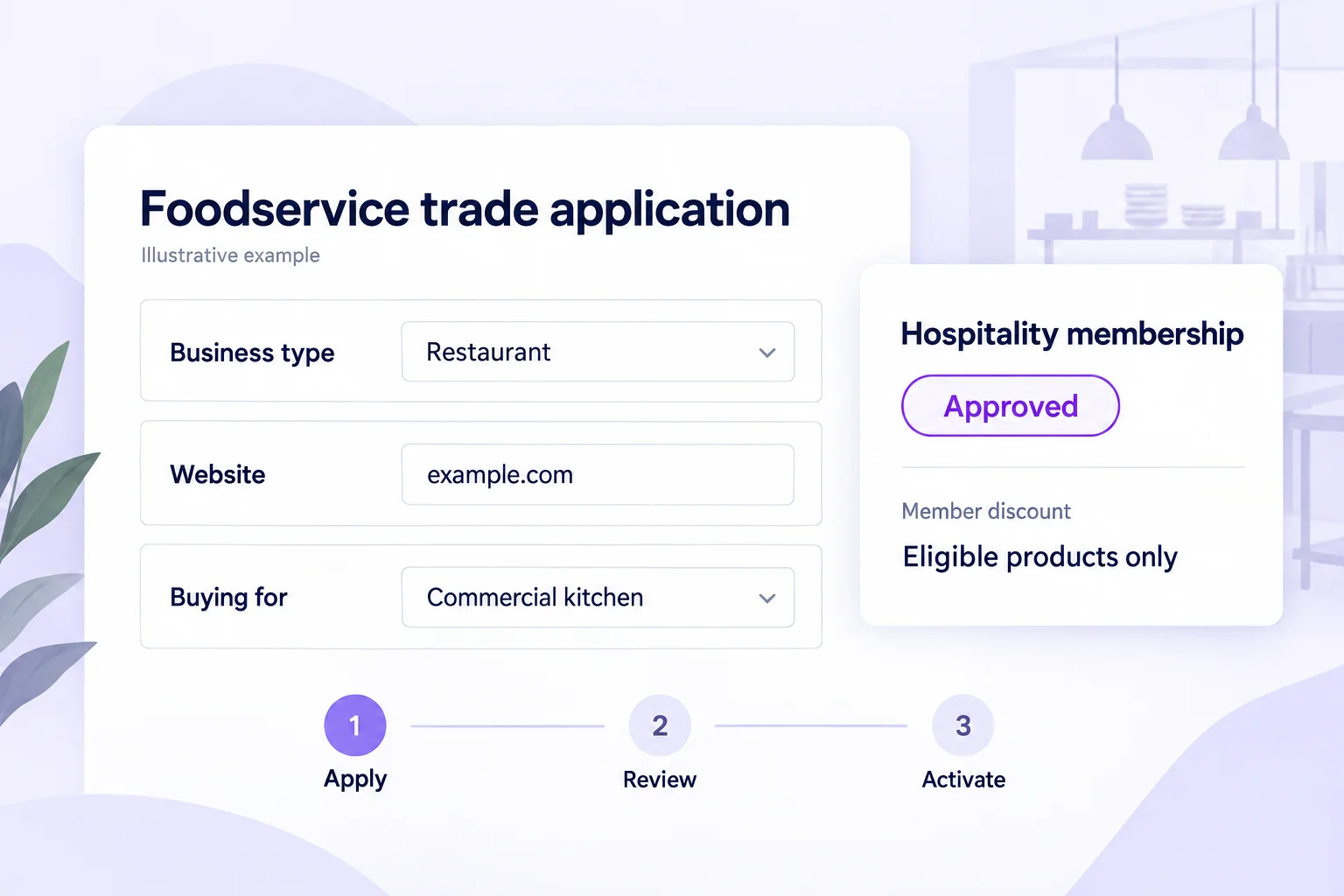
What is an approved foodservice membership?
An approved foodservice membership gives a qualifying business customer access to the benefits you configure, after your team reviews their application. On Shopify, Memberply connects that customer to a free or paid membership tier. Benefits can include member discounts, selected product access and spend-based benefits.
This approach can suit a supplier that sells to both home cooks and commercial kitchens but wants different eligibility rules for trade benefits. A restaurant buying ingredients, a café replenishing pantry products and a caterer purchasing for events can all apply through the same program if the criteria and benefits fit.
Start with a free trade tier when the relationship is based on product orders. Approval does not need to introduce another fee. If you offer a paid program, explain its membership fee and benefits before the buyer applies; approval authorizes purchase, and paid benefits begin after payment.
This guide is for suppliers building a customer program, not buyers looking for a food wholesaler. For the general form and approval workflow, use our Shopify trade-account guide.
Foodservice wholesale application: questions to adapt
Collect information that changes an eligibility decision. Keep the application available on a public storefront page so a prospective restaurant can request access. Tell buyers what happens after submission and state only a review time your team can meet.
The questions below are an original planning example. Set required fields to match your criteria; Memberply requires an email field. Website links, selections and text answers can support the review without turning the application into a long purchasing survey.
| Question | Suggested response | What it helps you decide |
|---|---|---|
| Who will place orders? | Contact name and email | Identify the customer who will hold the membership. |
| What is your business or venue name? | Business name | Match the applicant to the business you are reviewing. |
| Which type of business are you? | Restaurant, café, caterer, hotel or another relevant option | Check whether the buyer fits the program's audience. |
| Where can we learn about your business? | Website or relevant public business link | Review the venue and professional activity. |
| Where do you need deliveries? | Delivery postcode and location | Check service-area fit manually. This does not configure checkout restrictions. |
| How will you use our products? | Kitchen use, catering events or resale | Distinguish commercial use from household purchases or a separate reseller program. |
| Which products interest you? | Relevant categories, with an optional purchasing range | Plan account support without treating an estimate as a commitment. |
| Have you read the program conditions? | Consent field with a link to your actual terms | Explain eligibility, benefits and the application process. |
Do not ask applicants to upload certificates into a field that does not support them. Memberply's form builder supports links and text answers, not file uploads. If you require documents for your own review, arrange an appropriate separate process. Membership approval does not certify food safety, licensing or tax status.
Walk through a restaurant application
Imagine a fictional pantry supplier offering a free hospitality tier. Its criteria are commercial kitchen use, an identifiable business and a delivery location the supplier can serve. The tier has a configured member discount. This is an illustrative setup, not a customer case study.
Review the business and intended use
A restaurant submits its business name, ordering contact, website, postcode and interest in pantry ingredients. In Applications > Inbox, compare the answers with the published criteria. Check whether the website and intended use support the application.
Resolve missing details
If a caterer has no website or serves changing event locations, request the information needed to assess their business and delivery arrangements. A missing website is a reason to clarify, not an automatic decision. Keep a private note so another reviewer understands the context.
Make and record the decision
Approve, reject or request information using the same criteria for similar applicants. Approval processing must complete before a free tier becomes active. For a paid tier, the approved buyer still needs to complete membership payment.
Confirm the first-order experience
The active member signs in with the approved customer account. Check that the intended discount applies to eligible products and that excluded items retain their expected price. Use the actual checkout and delivery setup your buyer will use.
If the restaurant changes its ordering contact, review account ownership rather than telling several employees to share one login. Separate Memberply customers do not automatically share a company reward balance or pooled spend. See the membership-applications feature for the supported approval options.
Make trade pricing clear without promising a full wholesale system
A simple starting benefit is an automatic member discount on eligible products. For example, a supplier could exclude selected low-margin items while giving approved active members a saving on the rest of the eligible basket. Choose the discount based on your costs, not a competitor's headline percentage.
In this fictional example, a signed-in hospitality member buys $200 of eligible pantry goods and a $40 excluded item. The tier offers 10% off eligible goods. Delivery is $18 and is unchanged by this benefit. All amounts use one currency and are before tax and any other promotions.
| Order component | Before member benefit | After member benefit |
|---|---|---|
| Eligible goods | $200 | $180 |
| Excluded item | $40 | $40 |
| Delivery | $18 | $18 |
| Total before tax | $258 | $238 |
The supplier funds the $20 saving. It does not follow that the order earns more profit or that repeat business will recover the discount. Review product cost, fulfilment and payment costs, and test any overlapping offer. See the member-discount setup and mixed-basket example.
For trade-only packs, configure exclusive product access and test the relevant products or collections. Access control does not create case sizes, order multiples, negotiated per-SKU prices or company catalogs. Decide whether those requirements belong in your product setup or a separate wholesale workflow.
Choose repeat-order benefits around replenishment
A café with a regular pantry basket and a caterer buying for occasional events have different purchasing patterns. Use your own order history to understand each audience before choosing a spend threshold or follow-up interval. An event-driven gap in orders does not automatically mean a buyer has left.
Memberply's Spend Tiered Discounts benefit can use eligible customer purchases over the current calendar year or lifetime. Decide whether earlier eligible purchases count and whether refunds can reduce an earned level. Shopify store-credit payments are excluded from eligible spend. These rules are separate from the customer's application approval.
For example, an active member with $4,700 of eligible spend is $300 away from a configured $5,000 threshold. That is a progress calculation, not a recommendation to set the threshold at $5,000 or a promise to reprice the order that crosses it. The B2B loyalty guide shows a fuller purchase-and-refund example.
If you add reorder reminders through a messaging system, confirm the data and contact preferences it needs, and stop a reminder after a relevant purchase or when a service issue makes it inappropriate. Creating a membership application does not automatically create a replenishment campaign.
Keep delivery and purchasing conditions separate
The application can help your team judge commercial fit. Your ordering process still needs to explain where you deliver, order cutoffs, delivery charges, product handling and any minimums. A delivery postcode in a form is information for review; it does not prevent an unsupported address from being used at checkout.
Before granting benefits, decide how you will handle changing delivery locations, event orders, substitutions and requests for payment terms. Memberply approval does not manage route scheduling, cold-chain operations, credit underwriting or tax exemptions. Avoid using “approved wholesale account” as shorthand for services you have not configured.
Set up and test the foodservice membership
Create the membership offer
Choose a free or paid tier, define eligibility and configure the actual discounts or access benefits. Publish the important exclusions and conditions.
Create and publish the application
In Memberply, open Membership > Applications > Application Forms. Connect the form to the tier, add the relevant questions and publish the program. Place the Membership application app block on your public Shopify page and enter the program ID.
Test each customer state
Check a signed-out visitor, a pending applicant and an approved active member. For a paid tier, also check approval before payment and activation after payment. Verify an eligible cart, an excluded-only cart and a mixed cart.
Check the operational boundary
Test the intended delivery area, shipping charges, order minimums and account route using the systems that enforce them. Do not treat successful membership approval as proof that fulfilment or native B2B compatibility works.
Pilot with a defined group
Record how many suitable applicants activate, how many place a first and repeat order, contribution after benefits and the support time required. Give buyers enough time to complete their normal purchasing cycle before evaluating results.
Follow the application setup documentation for detailed controls. Expand the program only after the configured benefits, buyer experience and order economics work together.
Foodservice wholesale membership FAQs
Can a food supplier approve restaurants before giving them trade discounts?
Yes. Connect a membership application to the tier with your configured benefits. Your team reviews the business details. A free membership activates after approval processing; a paid membership requires successful payment after approval. Active members receive eligible benefits under the rules you set.
Do restaurant and catering customers need to pay a membership fee?
No. A free approved trade tier can provide configured member discounts or product access without a membership fee. Customers still pay for their orders. Use a paid tier only when its benefits justify a separate fee, and explain that fee before application.
What should a foodservice wholesale application ask?
Start with the contact name and email, business name, venue website, business type, delivery postcode and intended product use. Ask about purchasing expectations only if they help your review. Collect links or text answers rather than promising file uploads.
Can I reserve foodservice packs for approved members?
Memberply supports exclusive product access for configured products or collections. Set it up for the active membership tier and test signed-out, unapproved and approved customer journeys. This does not create native Shopify B2B catalogs or automatically configure case sizes and order multiples.
Does membership approval manage delivery routes or payment terms?
No. Approval qualifies a customer for membership benefits. Delivery areas, cold-chain handling, order cutoffs, route scheduling, credit terms and tax treatment need their own operational or Shopify configuration. A postcode collected on an application is review information, not a checkout delivery restriction.
Can repeat orders unlock better foodservice benefits?
Spend Tiered Discounts can use eligible customer spending over the current calendar year or lifetime. Choose the qualification rules and refund policy, then test the result. Shopify store-credit payments are excluded, and individual memberships do not automatically pool spending across company buyers.
Beauty professional trade programs
Supplying another industry? See our beauty wholesale guide for salons and spas.