
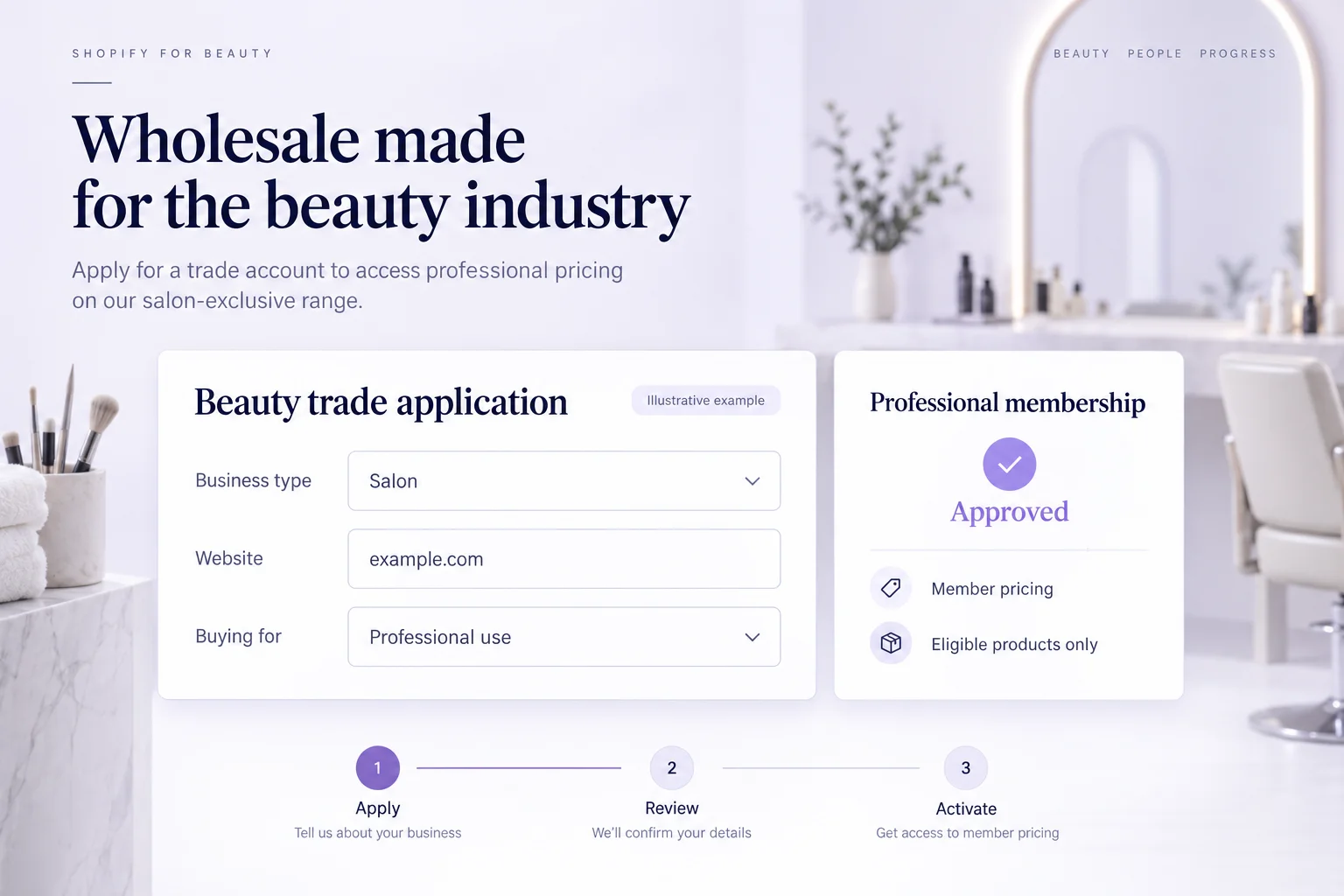
What is a beauty wholesale membership?
A beauty wholesale membership connects an approved salon, spa or professional buyer to the trade benefits you configure for their Shopify customer account. The application establishes eligibility; the active membership controls the available discounts and access benefits.
This guide is for beauty suppliers building a business-customer program. A brand selling skincare to treatment rooms, haircare to salons or supplies to independent practitioners can use an approval step before activating a free trade tier. A paid tier is also possible, but explain its fee and additional value before asking buyers to apply.
For a consumer rewards club, use our beauty membership and loyalty guide. For general registration workflows, see the trade-account application guide.
| Buyer | Questions to resolve | Possible configured offer |
|---|---|---|
| Salon or spa using products in services | What services are offered, and which product categories are intended for professional use? | Member pricing on eligible supplies and access to selected products. |
| Independent practitioner | Does the applicant meet your published criteria? Which account will place orders? | A free approved professional tier with a clearly defined benefit. |
| Retail stockist | Where will products be resold? Are those channels within your program? | A separate application and tier when resale criteria or benefits differ. |
These are illustrative program designs, not customer case studies. A salon may both use products in services and resell retail sizes. Ask about both activities rather than assuming one approval covers every use or sales channel.
Beauty wholesale application questions to adapt
Collect the information your team needs to make a decision. State who qualifies, which benefits are available and what happens after submission. Avoid collecting sensitive client treatment information or unrelated personal details.
| Question | Suggested answer | Review purpose |
|---|---|---|
| Who will order? | Contact name and required email | Identify the Shopify customer who will hold the membership. |
| What is your business name? | Business or trading name | Match the application to the business being reviewed. |
| Which type of business do you operate? | Salon, spa, independent practitioner or retail stockist | Route the applicant to the appropriate criteria. |
| Where can we learn about your business? | Website or public professional profile link | Review the business and services offered. |
| How will you use the products? | Professional services, resale or both | Distinguish service supplies from a stockist relationship. |
| Which categories interest you? | Relevant product categories and services | Check fit and avoid irrelevant follow-up. |
| What evidence supports eligibility? | A relevant reference or public evidence link, where your criteria require it | Support manual review. Do not imply automatic qualification checks. |
| Do you accept the trade program conditions? | Consent field linked to the actual terms | Explain benefits, exclusions and permitted program use. |
Memberply supports configurable fields, required answers, help text and consent fields. Every application needs a required email. If evidence is missing or unclear, request more information instead of collecting every possible document from every applicant.
Example: review a salon that buys for services and resale
Imagine a fictional salon applies for professional pricing. It lists a salon website, names its services and selects both professional use and resale. Your team reviews the public business information against the program criteria, then clarifies whether resale approval is included or needs a separate application.
If the salon meets the criteria, approve the correct program. For a free tier, Memberply activates the membership after approval processing completes. For a paid tier, approval authorizes the customer to purchase that tier; benefits start after payment succeeds. If the information is incomplete, use Request information. If the application does not qualify, reject it and explain the decision through the configured process.
Keep a private decision note so another team member can understand what was checked. Approval is a membership decision, not professional certification, a product-safety assessment or a credit decision. Your team remains responsible for its eligibility criteria and any checks required for the products it sells.
Separate trade pricing from product access
A member discount changes the price for an eligible active member. Exclusive product access is a separate benefit to configure and test. Excluding a styling tool from a discount does not hide it or prevent a non-member from buying it.
Start with a benefit your margins can support. In this fictional basket, $300 of eligible professional supplies receives a 10% member discount, while an $80 excluded tool and $15 shipping remain unchanged. The total falls from $395 to $365 before tax and other promotions. The $30 saving is a customer benefit, not a measure of profit.
| Component | Before benefit | After benefit |
|---|---|---|
| Eligible supplies | $300 | $270 |
| Excluded tool | $80 | $80 |
| Shipping | $15 | $15 |
| Total before tax | $395 | $365 |
Test eligible-only, excluded-only and mixed baskets while signed in as the approved customer. Also test the store's other promotions before launch. A discount minimum is a condition for receiving a saving; do not present it as a system that enforces wholesale case packs or every order minimum.
Plan repeat benefits around how the buyer uses products
A salon consuming supplies during services has a different buying pattern from a stockist replenishing retail shelves. Use actual order history and buyer-selected interests to decide which support is useful. Do not send a generic replenishment message just because a fixed number of days has passed.
For example, a buyer who orders treatment-room supplies may appreciate information about a relevant compatible accessory. A stockist may need information about the retail range instead. Check product suitability and existing purchases before suggesting anything, and stop follow-up that is no longer relevant after a new order or an unresolved service issue. These are planning examples for your marketing process, not a claim that Memberply runs automated replenishment campaigns.
For spend-based benefits, choose current-calendar-year or lifetime qualification and explain what counts. Decide whether earlier spending counts and whether refunds can reduce an earned level. Memberply excludes Shopify store credit payments from qualifying spend. A customer with $2,750 of qualifying spend is $250 away from a $3,000 threshold, but crossing that threshold does not grant a different professional qualification.
Spending is tracked for the customer, not automatically pooled across a salon chain. See the B2B loyalty guide for a broader rewards plan.
When a separate B2B account workflow matters
Memberply applications create or match Shopify customers and connect them to membership tiers. They do not automatically create company records, company locations, negotiated catalogs, purchase orders or payment terms. A multi-location salon group with several buyers may need a company-account model as well as a rewards plan.
Shopify documents a separate company account request workflow that creates company, location and customer records. Define the account ownership and ordering requirements first, then test the intended systems together. Membership approval also does not automatically enforce resale territories, product-use restrictions or qualification renewals.
Set up and test your beauty trade program
Define who qualifies
Write separate criteria for professional use and resale where needed. State the benefits, exclusions and whether joining is free or paid.
Configure the tier and application
Create the membership tier and benefits. In Membership > Applications > Application Forms, create the form, connect the tier and add the questions your team will review.
Publish a public application page
Publish the program. Add the Membership application app block to your Shopify page and enter the Storefront program ID. Keep the application accessible to prospective buyers.
Check the approval journey
Test a pending applicant, a request for information and an approved active customer. For paid tiers, check approval before payment and activation afterward using a test store and test payments.
Verify benefits and measure the pilot
Check signed-out and signed-in product access, eligible and excluded baskets, and the selected spend rules. Review application completion, approval time, first and repeat orders, benefit costs and support effort over a suitable buying cycle.
Use the membership application documentation for detailed setup. Calculate pilot measures from your available records; this checklist does not imply a dedicated beauty-wholesale analytics dashboard.
Beauty wholesale membership FAQs
What is a beauty wholesale membership on Shopify?
It is an approved customer membership for qualifying salons, spas or professional buyers. Memberply connects an approved Shopify customer to a free or paid tier with the discounts and access benefits you configure.
Can I approve salons before giving them trade benefits?
Yes. Publish a Memberply application, review the business details and approve the customer. Free-tier benefits begin after activation completes. For a paid tier, the approved customer must complete payment before benefits activate.
Does Memberply verify professional qualifications automatically?
No. Your team decides whether the submitted evidence meets your program criteria. Membership approval is not professional certification or permission to use a particular product.
Can professional-use and resale buyers have different programs?
Yes. Separate application programs can connect to different membership tiers with their own questions and configured benefits. Define the criteria and test the access rules for each intended customer group.
Can I exclude equipment or selected products from trade discounts?
Yes. The member discount benefit supports product and collection exclusions. An excluded item receives no member discount from that benefit; an exclusion alone does not hide the product or restrict purchasing.
Does a Memberply application create a Shopify B2B company?
No. It creates or matches a Shopify customer and connects that customer to a membership tier. Native Shopify B2B companies, company locations and company account requests are separate workflows.
Reviewing retailers who want to resell your products?
Our stockist application guide covers store questions, resale channels, approval and the handoff to a first wholesale order.