
Wine club operations
WineDirect to Shopify Migration Guide for Wine Clubs
Will the right cases go to the right members on release day? Rebuild the next WineDirect shipment as a Shopify test run, then match the bottles, pickup list and charges before you release it.
Trusted by Shopify merchants








1. Build the list of members due for this release
Save the last processed WineDirect shipment and a dated Club Members report. Include active, held and cancelled memberships when running the report. For the upcoming release, record the club, member reference, hold dates, pickup location, shipping discount and prepaid shipments remaining. Keep addresses and payment details in the authorized systems.
Use the upcoming shipment as the list to reconcile. Check edits made since the last run, especially a hold entered after the shipment was assembled or a member’s change to a case. Note who will capture late changes and when the winery closes selections.
WineDirect Club Members report · WineDirect club processing · Editing a club shipment
2. Rehearse the shipment without billing members
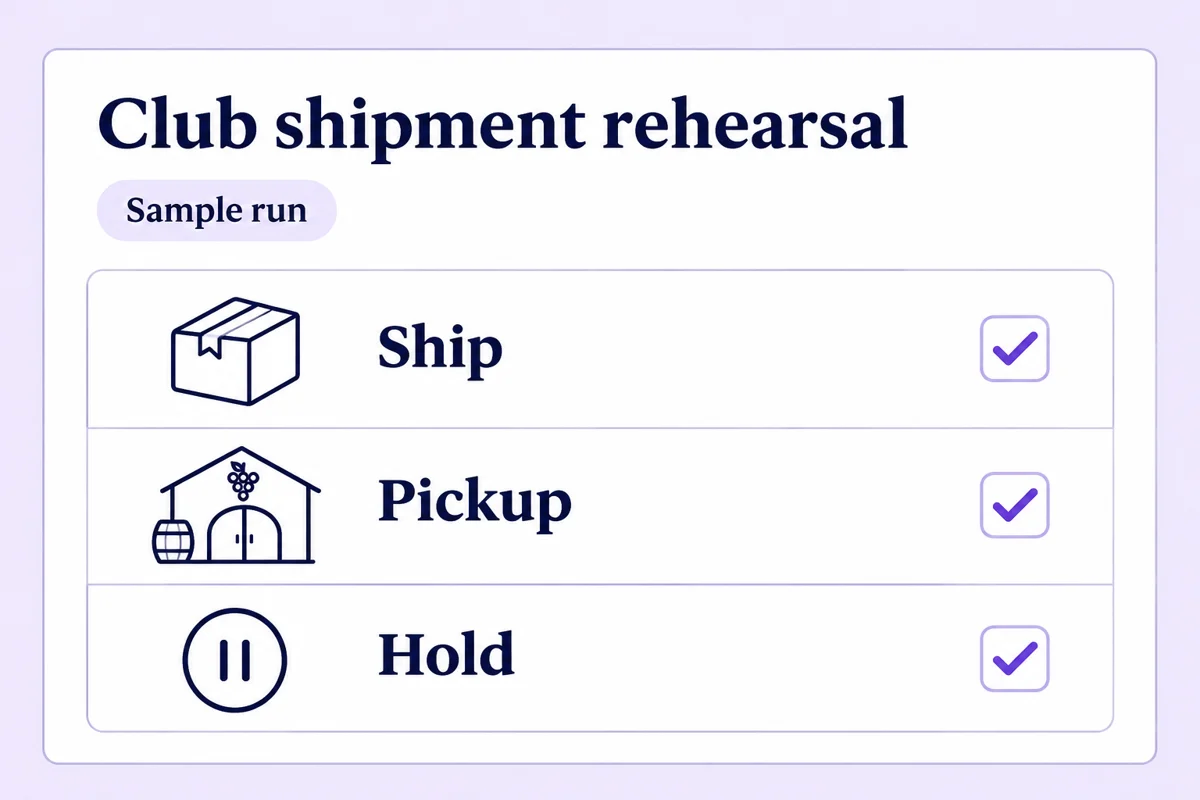
Use test customers and a non-charging test environment with customer notifications and fulfillment dispatch disabled. Enter your WineDirect expectations before looking at the Shopify test results. Use the checklist’s two result columns to record differences, an owner and evidence for each decision.
Download club shipment checklist (CSV)Example spring release. Twelve members were on the last list. Two are on hold and one has cancelled. Nine three-bottle cases are due. Four members collect at the cellar door and five need delivery. At $60 per case plus $12 per delivery, the expected subtotal is $600 before tax, assuming no discounts or prepayments.
Check one edited pickup case all the way to the packing list. If member P04 swapped a Syrah for a Grenache, the total stays at 27 bottles even when the wrong wine is packed. Compare SKU and vintage per case, then count each wine across the run. The four pickup cases should produce no shipping labels.
3. Separate club access from shipment billing
Assign a named owner for membership benefits, recurring case orders, payment processing and fulfillment. Memberply can manage a paid tier and member discounts. Map the case schedule and bottle choices in the wine club system you select. Verify a pickup order at the correct location and send a test delivery order through your compliance and fulfillment workflow.
Before enabling a schedule, confirm that the existing gateway and Shopify support the payment-method migration. Verify the customer, contract, currency, next charge date and amount. For prepaid cases, record what the member has already paid and which charges remain due. Keep any member who needs to authorize payment again out of automatic billing until they do.
Shopify payment-method migration requirements · Compare member benefits and wine club software
4. Release one batch and reconcile the receipts
Record the cutoff time and which system owns each order. Pause the old schedule for that group before enabling the new one. The club manager signs off the roster, the cellar lead approves the pick and pickup lists, and the billing owner checks the per-order totals including tax. Hold unresolved orders aside.
After release, match each due payment to its receipt and each case to one pickup record or fulfillment order. If a batch stops partway, identify orders already charged or dispatched before retrying. Send each member their own case details, collection location or shipping window, and a winery contact for corrections.
Already moved your club to Commerce7? Use the Commerce7 one-member migration worksheet to test a renewal, reservation and case together.
WineDirect migration questions
Which WineDirect records do we need?
Start with the Club Members report and the most recent processed shipment. Check the upcoming shipment for member edits, holds, pickup locations and bottle choices made since the last run.
Will importing a member let Shopify charge their card?
A customer or membership import alone does not authorize a charge. Confirm payment-method eligibility and the subscription contract with the gateway and subscription provider before scheduling a live order.
What if the two runs disagree?
Keep affected orders out of billing and fulfillment. Assign each difference to the club manager, cellar or billing owner, correct the source and repeat the test. Check existing receipts and fulfillment records before retrying.
Merchant reviews
Merchants use Memberply to launch practical membership programs
Read what merchants say about using Memberply for their membership programs. Read reviews on the Shopify App Store.
"The app is great and does exactly what i need it to. It is well priced and Doug is so great."
Olverum Official Store
United Kingdom
"Their pricing is fair, and their support is legendary."
Puzzery
Canada
"Our store is based in Argentina so we don't have access to Shopify Payments... Memberply solved it."
Elemental Outfit AR
Argentina
Test your Shopify membership experience
Start with one tier and a clear benefit. Test both the customer journey and the staff workflow during your eligible 14-day trial.
Install on Shopify