
Membership email operations
Which Shopify membership email should send first?
Give each membership message one sender. Keep billing and account notices independent, then decide which optional message should reach a customer when a welcome flow, renewal reminder and promotion overlap.
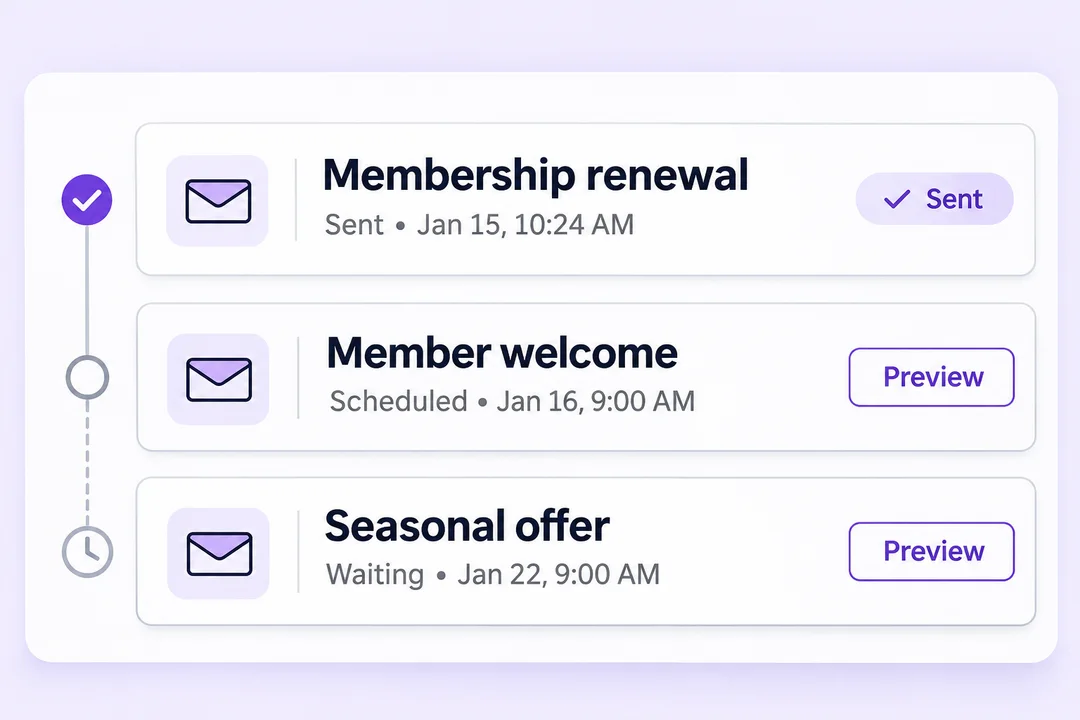
Assign one sender to each message
List the emails that already fire from Shopify, your membership app and your marketing platform. Include the event, owner, recipient conditions and exact customer action. If two systems send the same membership notice, pick one source and verify it with a test account before changing the other. Keep a record of which system owns required operational messages.
| Message type | Send owner to verify | If a promotion is scheduled |
|---|---|---|
| Billing or account notice | The system that records the payment or membership change | Keep the required notice on its normal schedule. |
| Welcome with access instructions | The membership system or the flow that reliably confirms access | Prioritize instructions. Hold optional offers that would compete with them. |
| Optional benefit reminder | The marketing flow owner | Prefer the message with the more relevant next action for this member. |
| Seasonal campaign | The campaign owner | Exclude people who need a different action, then recheck eligibility if rescheduling. |
Review the purpose of each email. A payment failure notice makes the next account action clear. A reminder that advertises another purchase needs its own audience rules. Keep these decisions explicit when the same tool sends both.
What three customers receive on sale day
A fictional store sends a seasonal sale email at noon. Its membership app sends the account notices. Its marketing tool handles the sale and optional tips. The team defines which profiles to exclude from this campaign before scheduling it.
- Asha’s membership payment fails at 9 a.m. Send the billing notice with the payment update path. Exclude her from the member promotion while her status is unresolved. Check status again before any later offer.
- Lee joins at 10 a.m. Send the access instructions promptly. If the sale matters to new members, show the offer where they use the benefit or consider a later optional email if the offer is still valid.
- Sam is an active member with no account action due. Send the seasonal offer if Sam qualifies for marketing. If Sam buys before a reminder, exclude Sam from the reminder for the same purchase.
Document the outcome for an unsubscribed shopper and for a late membership update. Verify which system owns the required notices and whether your campaign segment sees a status change before send time.
Test membership events and email settings together
Use controlled test profiles for a new join, active membership, unsuccessful renewal and recent purchase. Trigger the test event through the normal path and confirm the sender, timing, links and messages in the test inbox. A preview checks the design. It takes a real test event to check routing.
Memberply describes its built-in options on the member emails feature page. If you use Klaviyo, Smart Sending can skip eligible messages inside Klaviyo based on recent sends. Klaviyo-marked transactional messages are exempt. Treat email sent from other systems as a separate part of your schedule and confirm your particular settings.
Frequently asked questions
Should the promotion go out after a billing notice?
Review the shopper’s current membership and marketing eligibility first. If a billing action is still due or the offer has ended, leave the promotion out.
Will a frequency cap prevent duplicate membership emails?
A frequency cap applies according to your email platform settings. To prevent a duplicate notice across apps, assign one sender and test the same membership event through both paths.
Trusted by Shopify merchants








Put the plan to work
Use the membership email examples to draft each message after you choose its sender. To evaluate built-in membership messages, explore Memberply on the Shopify App Store.