
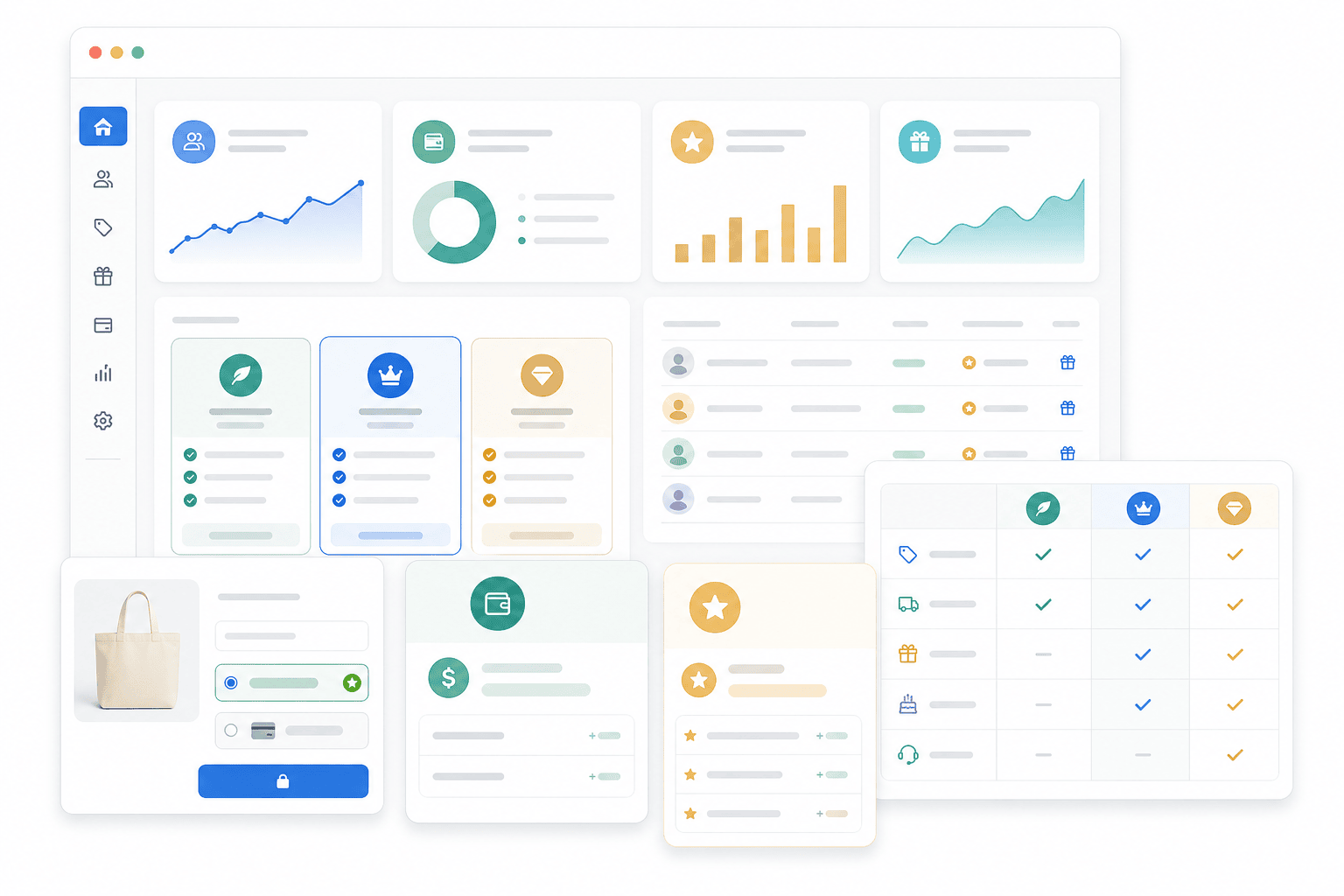
Earned VIP status and paid membership solve different problems
Earned VIP status recognises customers who meet a rule, such as eligible annual spending. Paid VIP membership gives customers a defined bundle of benefits in exchange for a fee. Earning a higher benefit level should not be confused with agreeing to a new subscription price.
| Decision | Earned VIP status | Paid membership |
|---|---|---|
| Who it suits | Enrolled shoppers whose repeat spending you want to recognise. | Shoppers who expect to use a benefit bundle enough to justify its fee. |
| How customers qualify | Reach the stated threshold during a calendar-year or lifetime period. | Join and successfully pay for the advertised membership. |
| What funds the benefits | Your margin and any additional contribution the program generates. Earned status itself brings no fee income. | Net membership fees and any additional product contribution, after benefit costs. |
| What changes later | Spend qualification can reset or fall after refunds, depending on the rules. | Billing, renewal and cancellation follow the purchased membership terms. |
| Main risk to test | Paying for new benefits for customers who already qualify without changing their purchasing. | Charging for benefits customers rarely use, or promising a bundle heavy users make unaffordable. |
Choose earned status when recognition is the main purpose and your margins can support it. Consider paid membership when there is a distinct, recurring customer benefit worth buying. Application approval is a separate entry check that can apply to either free or paid membership; it is not a third way to fund the rewards.
A hybrid can combine a paid base tier with spending-based benefits, but explain what is bought and what is earned. In Memberply, a spend-triggered benefit upgrade leaves billing on the current membership tier. Do not describe it as an automatic paid-plan change. For other approaches, compare the types of loyalty programs.
Decide who qualifies for VIP benefits
A VIP loyalty program gives a defined group of customers benefits beyond the standard shopping experience. Those benefits should follow clear eligibility rules. “Our best customers” is a starting idea, but it is not a rule your team or customers can reliably apply.
| Route | Customer commitment | Memberply approach |
|---|---|---|
| Free membership | Join a free tier and meet its stated conditions. | Configure a free membership with a clearly scoped benefit bundle. |
| Paid membership | Pay for the advertised access and benefits. | Use a paid tier with a fee and payment frequency that match the offer. |
| Spend-based benefits | Reach an eligible spending threshold while an active member. | Use Spend Tiered Discounts to unlock a configured discount or another tier’s benefits. |
These routes can work together. A free enrolled member could earn better benefits through spending, while a paid club could offer the same core benefits to every active subscriber. Keep the entry decision separate from any progression afterwards.
Do not promise that points, order counts, or an invitation automatically activate a tier unless you have configured and verified that workflow. Memberply’s Spend Tiered Discounts uses eligible spending. Its benefit upgrades do not automatically move the member to a more expensive subscription.
For annual or lifetime spending, resets, refunds, and historical orders, use the tiered loyalty guide. Selling to business buyers? Use the separate trade account guide.
Three practical VIP loyalty program examples
These fictional planning examples show different approaches. They are not customer results, recommended prices, or promised increases in sales.
| Program | Eligibility and benefits | Decision to resolve before launch |
|---|---|---|
| Beauty replenishment club | A $10 monthly membership with a $5 monthly loyalty drop and 5% off eligible products. | Will intended members redeem credit and buy often enough to justify the fee? |
| Coffee recognition program | A free enrolled membership with a higher discount after $500 in eligible calendar-year spending. | Explain what counts and that qualification resets in January. |
| Apparel members-only collection | Enrollment in a free membership with configured access to selected products. | Choose the eligible products and test access for active members and non-members. |
For the beauty example, $100 of eligible purchases produces $5 in discount savings. Adding a fully redeemed $5 credit grant reaches $10 in nominal benefit value, equal to the fee. A customer who does not use the credit receives less value. Assess timing, expiry, and other costs before choosing the offer.
For coffee, recognition comes from a visible next goal. With $350 of eligible spending and a $500 threshold, the member needs another $150. Active members can see their spend progress in Shopify’s new customer account Member Hub when the benefit is configured.
For the apparel example, make the collection benefit explicit before customers join. Test that an active member can access the configured products and that a non-member cannot use the same route. A VIP label alone does not configure product access.
Choose VIP rewards people will actually use
| Customer need | Possible benefit | What to explain |
|---|---|---|
| Predictable savings | Member discounts on eligible purchases. | Product scope, minimum requirements, and conditions. |
| A reason to return | Cashback, loyalty drops, or birthday store credit. | When value is earned, how to redeem it, and expiry. |
| Lower delivery friction | Free shipping on qualifying orders. | Countries, minimum requirements, and exclusions. |
| Access to something relevant | Exclusive products, locked content, events, or partner offers. | What is available and how an active member accesses it. |
Do not count public offers as extra VIP value. If all shoppers already receive free shipping at a certain order value, the membership only adds value on orders where its rules provide something more. Early access also needs an actual release plan; adding a VIP name does not schedule a product launch.
Start with a small bundle that fits the customer’s purchase pattern. Explain benefits in customer language, such as “Use your credit on a future order,” rather than listing feature names alone. Our store credit guide covers redemption and reward calculations.
Compare earned and paid VIP costs for the same audience
Illustrative planning example: a store is considering VIP benefits for 100 enrolled customers over one year. It estimates $24 of additional annual benefit cost per eligible member. These figures are assumptions, not recommended prices or customer results.
- Earned status: if 40 customers already meet the proposed threshold, budget 40 × $24 = $960 even if their purchasing never increases. With a 40% contribution margin before these benefits, $2,400 of additional sales would be needed to cover that benefit cost alone.
- Paid membership: if 20 customers voluntarily buy a $60 annual membership, gross fees total $1,200. At the same $24 benefit-cost assumption, benefits cost $480. The remaining $720 is before fee-processing costs, refunds, support, app fees and any other program costs, so it is not net profit.
The two scenarios do not serve the same number of members, and willingness to pay is unproven. If those 20 paid members instead use $60 each in benefits, their $1,200 benefit cost consumes all gross fees before operating costs. Test light, typical and heavy usage rather than treating the average as a limit.
Check customer value separately. A $60 annual fee with a 10% discount needs $600 of eligible purchases to recover the fee through that discount alone, assuming no equivalent public offer. Use the membership pricing guide for fee choices and the program cost guide for the full budget.
Before the pilot, write down who qualifies today, who could realistically reach the next level, who might pay, and the maximum cost you can sustain. Assess changes against a suitable baseline. Moving your existing best customers into a VIP group does not by itself create additional sales.
Make VIP status useful after joining
Before joining: make the offer concrete
Show who qualifies, the fee if any, the benefits, and the main conditions on the membership page. For earned levels, explain the qualification period and what happens at a reset.
After activation: point to a first benefit
Make the Memberply benefits page available in Shopify’s new customer accounts. Help members find a usable reward or eligible product instead of sending them to a generic store homepage.
Between purchases: communicate relevant value
Plan reminders around a real credit balance, a next spending goal, or an available benefit. Only make claims supported by the member’s current eligibility and your configured communications.
Before renewal or requalification: explain what changes
Keep paid membership renewal separate from annual spend requalification. One concerns billing and membership access; the other concerns the benefit level earned during the qualification period.
For a starting structure, see the membership onboarding guide. These are communication recommendations, not a claim that every reminder is automatically sent by enabling a VIP tier.
Set up the VIP offer in Memberply
Create the membership tier
Choose free or paid access and define the fee and billing model where applicable. If entry needs vetting, connect an application program to the tier.
Configure benefits and eligibility
Open Benefits and select Edit Benefits for the tier. Configure the chosen benefits, including amounts, product scope, shipping conditions, and credit validity.
Add spending progression only when useful
Enable Spend Tiered Discounts if benefits should grow with eligible spending. Choose the qualification period and thresholds, and review historical-order and refund settings. Follow the spend-tier setup instructions.
Prepare purchasing and member access
Use Shopify’s new customer accounts, add the Memberply benefits page, and enable Store credit when relevant. For recurring tiers, configure the selling plans app embed and Subscription Details block using the membership purchasing guide.
Test different customer states
In a development or staging store, test a non-member, an active member, and members below and above a spend threshold if used. Confirm access and checkout benefits match the offer. Test approval and paid activation separately for application programs.
Measure VIP value and cost together
Track joins or approvals, first benefit use, repeat purchases, reward redemption, renewals, and cancellations over a consistent period. Include the cost of discounts, redeemed credit, shipping, support, and app fees. These are measures to assemble from your available records, not a promise of one built-in VIP report.
VIP members may already be your most engaged customers. Their higher spending alone does not prove the program caused growth. Compare purchasing before and after joining with an appropriate baseline, account for seasonality, and use a comparable test group where practical.
Use the loyalty ROI calculator to model assumptions. If you are deciding whether to charge, read the paid loyalty guide; use the pricing guide to cost the bundle.
A VIP offer may be a poor fit when most customers buy only once, the benefits duplicate public promotions, or heavy use makes the bundle unaffordable. Adjust the audience and offer before adding more tiers.
VIP loyalty program FAQs
What is the difference between earned VIP status and paid membership?
Earned VIP status follows a qualification rule, such as eligible spending. Paid membership requires a fee for an advertised benefit bundle. They can coexist, but a spend-based benefit upgrade in Memberply does not automatically change the member’s billing tier.
Can I offer both earned and paid VIP benefits?
Yes. Keep the purchased benefits separate from rewards unlocked by spending. Explain the fee, qualifying spend, period, resets and benefit combinations, and test the experience before launch. Do not imply that earning a benefit level creates a new payment agreement.
What is a VIP loyalty program?
A VIP loyalty program gives a defined customer group additional benefits, such as savings, store credit, or exclusive access. Clear eligibility and usable benefits matter more than the VIP label.
Should a VIP loyalty program be free or paid?
Use free access when the benefit costs can be supported without a membership fee. Charge when the intended customers can use enough value to justify the fee and the offer remains sustainable at realistic usage levels.
How can customers qualify for VIP benefits in Memberply?
Use free or paid membership tiers, application approval where needed, and optional spend-based benefits for active members. Verify any additional entry workflow before promising automatic qualification.
Can points automatically promote a member to a VIP tier?
Do not assume points redemption changes membership status. Memberply’s Spend Tiered Discounts qualifies members using eligible spending, while reward points are a separate benefit.
Do spend-based upgrades change the membership fee?
No. A configured spend-tier benefit upgrade unlocks the destination tier’s benefits while billing remains on the member’s current membership tier.
Where do VIP members see their benefits?
Use Shopify’s new customer accounts with the Memberply benefits page. Enable Store credit for native credit rewards. Configured spend tiers also show eligible spend and progress towards the next level.
Which benefits should a VIP program include?
Choose benefits that match the audience’s purchasing habits, such as relevant discounts, qualifying free shipping, usable credit, or exclusive products. Cost the combined bundle and explain eligibility before joining.
How do I know whether the VIP program is working?
Review benefit usage, repeat purchases, renewals, and contribution after program costs. Compare against a suitable baseline; higher spending by existing VIP customers alone does not prove incremental growth.