
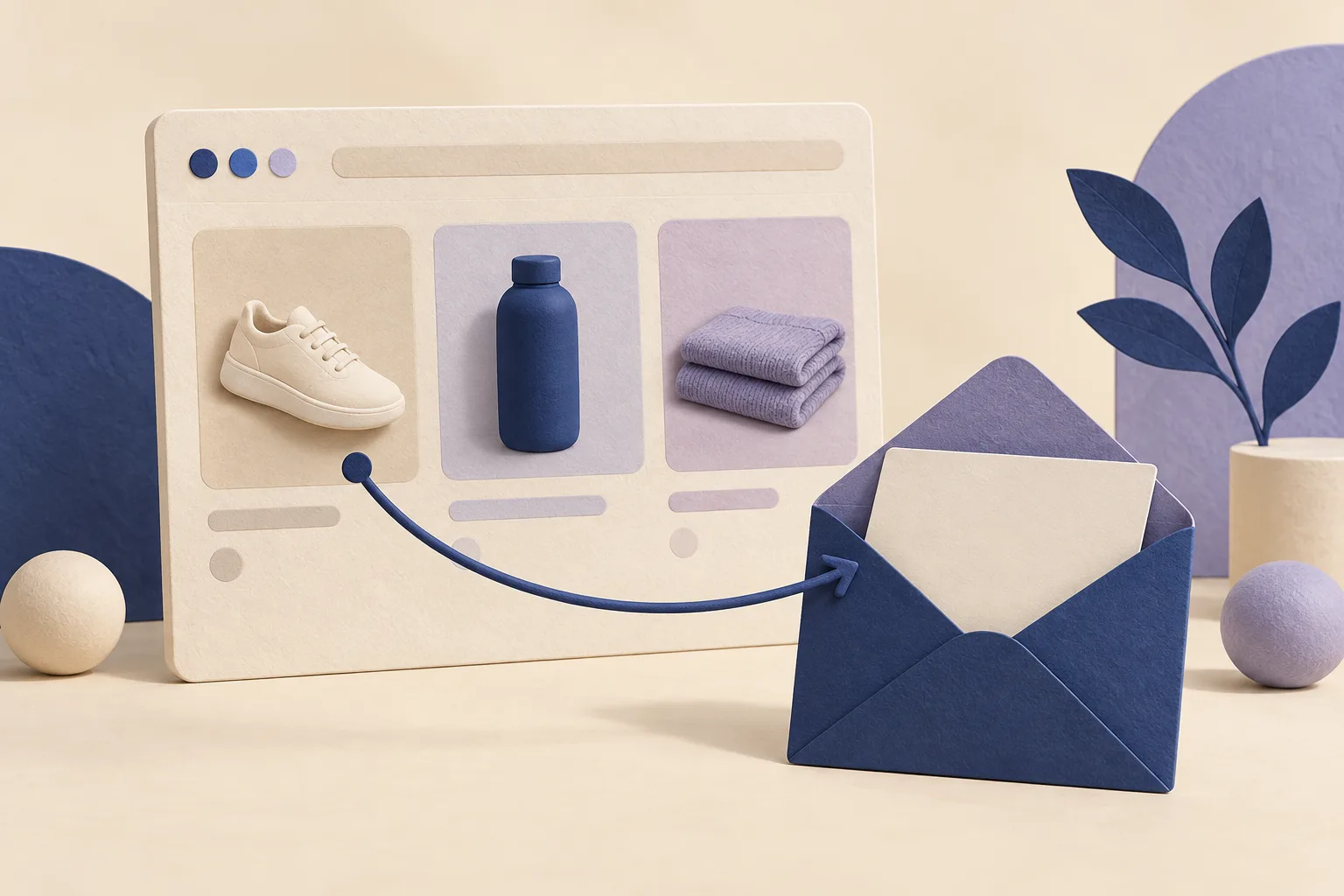
What is a browse abandonment email?
A browse abandonment email follows up with an identified, eligible contact after they explore your store without progressing to a purchase. For product-view follow-ups, the message can help the shopper revisit an item or answer a buying question. It should not pretend there is a saved cart when the person only browsed.
Choose one useful next step: revisit the product, check sizing, compare options or understand an existing member benefit. These six original examples are alternatives for different situations, not a recommendation to send six emails to every visitor. They are educational website examples, not activated campaigns.
Browse abandonment vs cart and checkout abandonment
| Observed action | Suitable follow-up | Do not assume |
|---|---|---|
| General site browsing | A helpful introduction or collection link, where the platform supports this trigger | That a specific product or variant was viewed. |
| A product page was viewed | A product reminder or relevant buying guide | That an item was added to a cart or reserved. |
| An item was added to cart | A cart follow-up based on actual cart data | That checkout has started. |
| Checkout started without an order | A checkout follow-up using valid checkout information | That the shopper still needs a browsing reminder. |
| An order was placed | Order updates and an appropriate post-purchase journey | That the earlier abandonment sequence should continue. |
Platform names differ. Klaviyo’s browse abandonment flow uses the Viewed Product event. Omnisend calls that stage Product Abandonment and distinguishes it from general Browse Abandonment, which does not capture a specific product. Choose the event and available data before choosing the email copy.
If the shopper actually started buying a membership, use the separate Shopify membership cart abandonment guide. This guide focuses on the earlier browsing stage.
Who can receive a browsing follow-up?
You need a usable contact identity, the relevant browsing event and permission to send through your chosen channel. Having an address on a customer profile is not enough to establish all three. Check the sending platform’s current consent, tracking and suppression settings before launch.
Klaviyo’s Shopify product-view tracking uses its app embed, and its documentation describes tracking identifiable browsers. Omnisend also requires an identified contact for Product Abandonment. Neither setup means every anonymous store visitor can receive a personalized email. A Memberply membership record does not provide browse tracking or automatically opt someone into marketing.
Test with a known, eligible contact and verify the actual event, product URL and message preview. Then test missing product data, a suppressed address and someone who purchases during the delay. Missing or uncertain data should lead to a safe fallback or no send, not invented personalization.
6 browse abandonment email examples
Replace bracketed text with verified information. These are editorial placeholders, not template variables for Klaviyo or Omnisend. Use a neutral greeting if a first name is unavailable, and point the single button to the relevant page.
1. A simple product reminder
Audience and timing: An eligible contact with a verified product view and no later cart, checkout or order action.
Subject: Take another look at [Product]
Preview: The details are here whenever you need them.
Hi [First name],
If you are still considering [Product], its details are here when you are ready.
You can check the available options and current product information on the page.
Button: View [Product]
Before using this example: Use the event’s real product and a working URL. Do not say “we saved your cart,” imply stock is reserved, or show an old price as current.
2. An apparel sizing guide
Audience and timing: A verified apparel product view where a relevant sizing guide exists.
Subject: A little help choosing your size
Preview: Measurements and fit notes for [Product].
Hi [First name],
Choosing a size can take a little thought. Our guide for [Product] explains [verified measurements or fit detail].
Compare the measurements with an item you already own to help you decide.
Button: Read the sizing guide
Before using this example: Link to guidance that applies to this product, not a generic chart for another category. Do not promise a perfect fit or infer a customer’s measurements.
3. A coffee selection guide
Audience and timing: A verified coffee product view with accurate roast and brewing information.
Subject: Which coffee suits your routine?
Preview: A guide to choosing between [Option A] and [Option B].
Hi [First name],
If you are deciding between [Option A] and [Option B], our guide compares [verified roast, flavor or brewing difference].
It is a simple way to choose a coffee that fits how you like to brew.
Button: Compare the coffees
Before using this example: Use genuine alternatives and current product descriptions. Do not turn a viewed item into an unsupported claim about the shopper’s taste.
4. Practical product-use information
Audience and timing: A verified product view where dimensions, care or setup information can help the decision.
Subject: Will [Product] work in your space?
Preview: Dimensions and setup details in one place.
Hi [First name],
Before choosing [Product], you may want to check [verified dimension or setup requirement].
Our product guide brings together the measurements, setup steps and care information so you can see whether it suits your space.
Button: See the product guide
Before using this example: Use this only when that guide exists and answers the stated question. A helpful detail is more useful than an unverified bestseller label or fabricated review.
5. A general store introduction
Audience and timing: A supported general-browsing event with no reliable product-view information.
Subject: Find your starting point at [Store]
Preview: Explore our range by [use, style or category].
Hi [First name],
If you are getting to know [Store], our collection guide is a useful place to start.
Explore [Category A] for [verified use] or [Category B] for [verified use], and compare the options at your own pace.
Button: Explore the collection guide
Before using this example: Keep this message general. Do not insert a “recently viewed” product without product-level data. This example fits a general-browsing workflow, not Klaviyo’s Viewed Product trigger by default.
6. A relevant existing-member benefit
Audience and timing: A verified product view plus current active-tier eligibility and a benefit that applies to the product.
Subject: A reminder of your [Membership] benefit
Preview: Check the details before choosing [Product].
Hi [First name],
Your [Membership] includes [verified benefit and its relevant conditions].
If you are considering [Product], the benefit guide explains how the offer applies and how to use it.
Button: View my benefit details
Before using this example: Confirm both current membership eligibility and product coverage. Do not promise a discount, free shipping or combined offer from membership status alone. Suppress the benefit wording if the data is stale or unavailable.
A short browse abandonment sending plan
There is no single delay that suits every product or store. Give the visitor time to finish shopping, account for the rest of your messaging and test a modest starting sequence. The timing below is an illustrative plan, not a platform default or a proven optimum.
| Step | Possible starting point | Required check |
|---|---|---|
| First message | About 4 hours after the qualifying product view | No later cart, checkout or order; contact remains eligible; product content is usable. |
| Optional follow-up | About 24 hours after the first message | The same checks still pass, frequency limits allow it and you have genuinely useful additional information. |
| End the sequence | After the planned messages or an exit event | Do not restart for every page view or keep escalating discounts. |
Start with one message if you do not yet have reliable data or enough useful content for a second. If the first message is a product reminder, a second could answer a relevant sizing question. Another reminder with a larger discount is not automatically a better sequence.
Subject lines should match the actual content. “Take another look at [Product]” suits a product reminder; “A little help choosing your size” suits sizing guidance. Avoid “Your cart is waiting” for a browsing-only contact and invented “last chance” deadlines.
Stop lower-intent messages when the journey moves on
Define how browsing, cart, checkout and post-purchase messages interact before enabling them. Recheck eligibility before each send, not only at entry. A shopper can place an order during a delay.
| Situation | Action to design and test |
|---|---|
| The contact adds to cart or starts checkout | Stop the browsing sequence and hand off to the relevant later-stage workflow, if enabled. |
| An order is placed | Stop abandonment messages and let the appropriate post-purchase journey take over. |
| A contact unsubscribes or becomes suppressed | Prevent further promotional sends through the channel. |
| The product is unavailable or its URL is invalid | Skip the product message or use a deliberately designed, relevant fallback. |
| The person browses repeatedly | Apply a re-entry limit and an overall contact-frequency policy. |
| Membership eligibility changes | Remove member-specific promises or suppress that branch. |
Klaviyo documents order and checkout exclusions, with an add-to-cart exclusion when a cart flow is also used. Omnisend’s multiple-automation guidance separates exit conditions, workflow skip rules and re-entry frequency. Check each control in your actual setup; do not assume that enabling several presets establishes the intended priority.
Use a small test journey: view a product, add it to cart, start checkout and then complete an order. Confirm that earlier messages are no longer queued to send. Also test buying a different product, since the customer may have resolved their need without buying the originally viewed item.
Where Memberply fits
Memberply’s Klaviyo integration and Omnisend integration sync membership information such as active status and tier. This can help you choose member-specific copy. Browsing events, contact identification and the sending workflow come from your ecommerce and email-platform setup.
The integrations do not turn Memberply into a browse-abandonment tracker or automatically subscribe members to marketing. Validate the current profile data before using it. An active tier is useful context, but it does not prove that a specific product qualifies for every benefit.
For audience planning, use the Shopify customer segmentation examples. For messages throughout the membership lifecycle, see the VIP email sequence guide.
Measure beyond attributed email revenue
Track eligible contacts, delivered messages, unique clicks, orders within a defined observation window, unsubscribes and contribution after relevant variable costs. Keep product-view, cart and checkout audiences separate when comparing performance.
Fictional calculation: 500 delivered messages produce 30 unique clickers, so the click rate is 30 ÷ 500 = 6%. If 15 recipients place an order within your chosen window, that is 3% of delivered recipients. It does not prove all 15 orders were caused by the email.
For an illustrative randomized test with 500 eligible contacts assigned to each group, suppose 15 in the email group and 12 in the holdout purchase. The observed difference is 3% − 2.4% = 0.6 percentage points, or three orders at that group size. Those small counts are not enough on their own to establish a reliable effect. Use all assigned contacts, the same observation window and an appropriate uncertainty assessment.
Compare contribution and customer experience as well as orders. Discount cost, returns and too many messages can change the result. Record definitions and campaign windows in the ecommerce KPI worksheet instead of comparing reports with different attribution rules.
Browse abandonment questions
What is a browse abandonment email?
It is a follow-up to an identified, eligible contact after browsing without purchasing. Depending on the platform, it may refer to general site browsing or a specific product view. Match the copy to the event data you actually have.
How is browse abandonment different from cart abandonment?
Browsing means someone explored a page or product. Cart abandonment requires an item to have been added to a cart. Do not claim that a browsing-only visitor has a saved cart or reserved stock.
When should I send a browse abandonment email?
Allow time for the shopping session to finish and recheck for later actions before sending. The guide’s four-hour first message and optional next-day follow-up are illustrative starting points to test, not universal best timings.
How many browse abandonment emails should I send?
Start with a short sequence, potentially just one useful message. Add a follow-up only when it provides new help and fits your frequency policy. The six examples here are alternatives, not a six-email sequence.
Can I email every anonymous visitor who views a product?
No. You need a usable identity, the relevant tracked event and eligibility to send through the channel. A page view or an email address alone does not establish all of those conditions.
Should I include a discount in a browse abandonment email?
A discount is optional. Begin with useful product information where appropriate. If you test an offer, verify its eligibility, margin impact and real expiry instead of escalating discounts automatically.
Does Memberply track browsing or send these flows?
Memberply syncs membership information to supported email integrations. It does not provide the browse tracking or automatically activate the example workflows. Configure and verify those separately in your ecommerce and email-platform setup.
Why does Omnisend use the name Product Abandonment?
Omnisend distinguishes a specific product view from general site browsing. Product Abandonment can use the viewed-product information; its general Browse Abandonment workflow does not capture a specific product. Choose the workflow that matches your intended message.